



On this page
Highlights
- Speed: 152 mm/sec.
- Connectivity: USB, Wi-Fi, Wi-Fi Direct, Bluetooth, Apple AirPrint.
Specifications
| Manufacturer reference | RJ-2050 |
|---|---|
| EAN code | 4977766766715 |
| Type | Mobile printer |
| Technology | Direct thermal |
| Maximum print width | 5.4 cm |
| Print speed | 152 mm/sec |
| Resolution | 203 x 203 DPI |
| USB | Yes |
| Bluetooth | Yes |
| Wi-Fi | Yes |
| Ethernet | No |
| Mobile systems | Android 4.0, Android 4.1, Android 4.2, Android 4.3, Android 4.4, Android 5.0, Android 5.1, iOS 6.0, iOS 6.1, iOS 7.0, iOS 7.1, iOS 7.2, iOS 8.0, iOS 8.1, iOS 8.2, iOS 8.3, iOS 8.4, iOS 9.0, iOS 9.1, iOS 9.2, iOS 9.3 |
| Windows | Windows 10 Education, Windows 10 Education x64, Windows 10 Enterprise... |
| Battery | Lithium-Ion (Li-Ion) |
| Display | LCD |
| Built-in barcodes | AZTECCODE, CODABAR (NW-7), Code 128 (A/B/C), Code 39, Code 93, Data Matrix, EAN128... |
| Languages | CPCL-native, ESC P, ZPL II |
| Maximum roll diameter | 4 cm |
| IP rating | IP54 |
| Operating temperature | -10 - 50 °C |
| Dimensions (W x D x H) | 125 x 186 x 230 mm |
| Weight | 875 g |
| Origin | China |
Consumables, maintenance parts and accessories

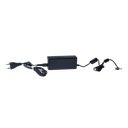
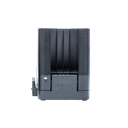
Use
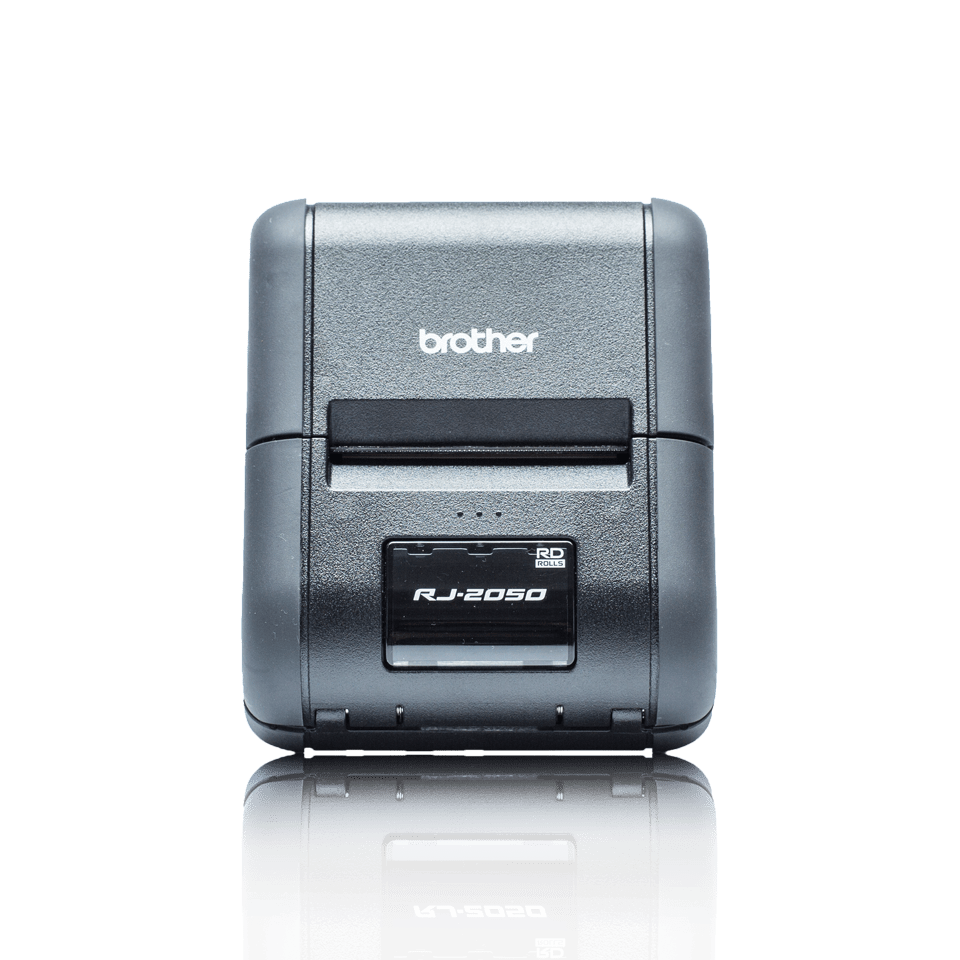
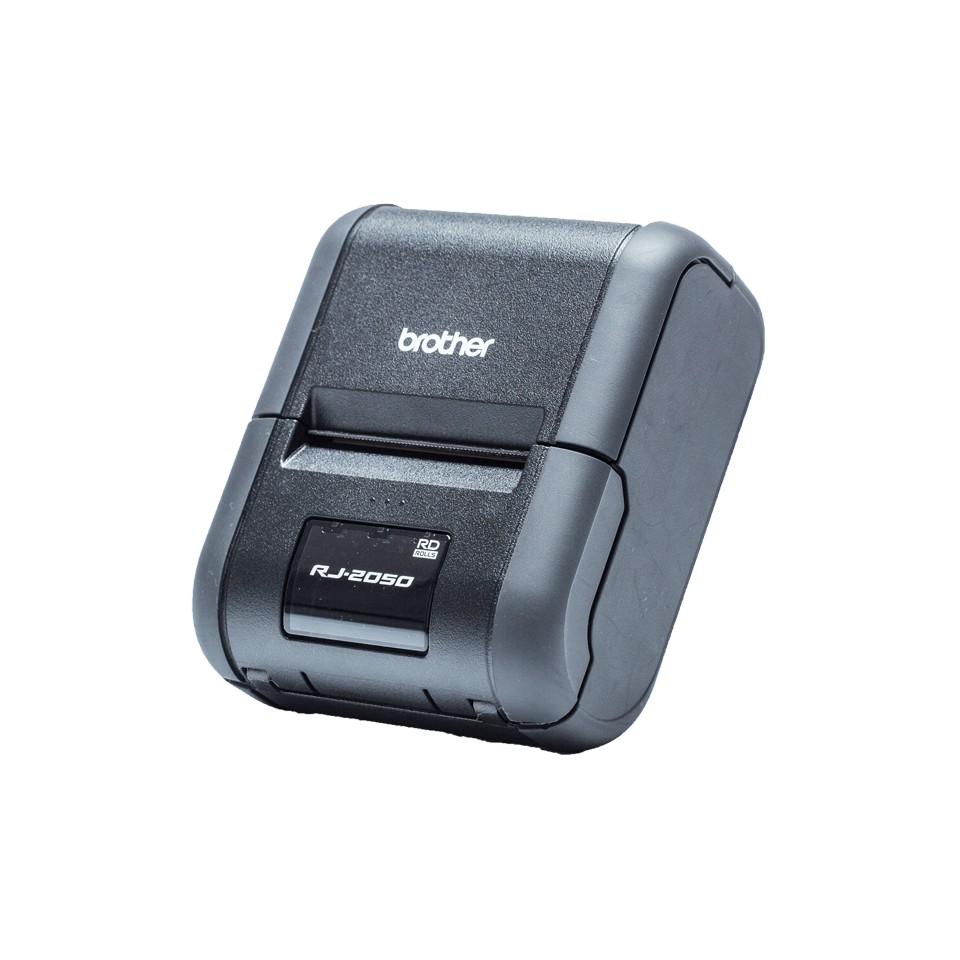
Brother RJ-2050 mobile printer for rounds, delivery, inventory and field sales: receipts and labels up to 54 mm, direct thermal, battery powered.
Use cases: delivery notes, tickets, shipping and price labels printed on site from a handheld or smartphone. Rugged housing against shocks and dust; worn on the belt or mounted in the vehicle. Connectivity: USB, Wi-Fi, Bluetooth. Software: P-touch Editor (PC and Mac) for layout, Excel list import and barcodes; Brother mobile app for printing from a smartphone. Consumables (tapes, rolls) are listed above; the price per label depends mostly on the media chosen.
The RJ-2050 is self-contained and complete for its category. For higher volumes or other options, see Brother label printers.
Frequently asked questions
Which consumables does the RJ-2050 use?
See the list of compatible products above or the Brother manufacturer sheet.
Can the RJ-2050 be connected to a network?
Yes: USB, Wi-Fi, Wi-Fi Direct, Bluetooth, Apple AirPrint.
Where can I find drivers and the manual?
On our Brother support page: drivers, user guide, software and FAQ for the RJ-2050, by country.