





On this page
Highlights
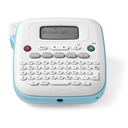
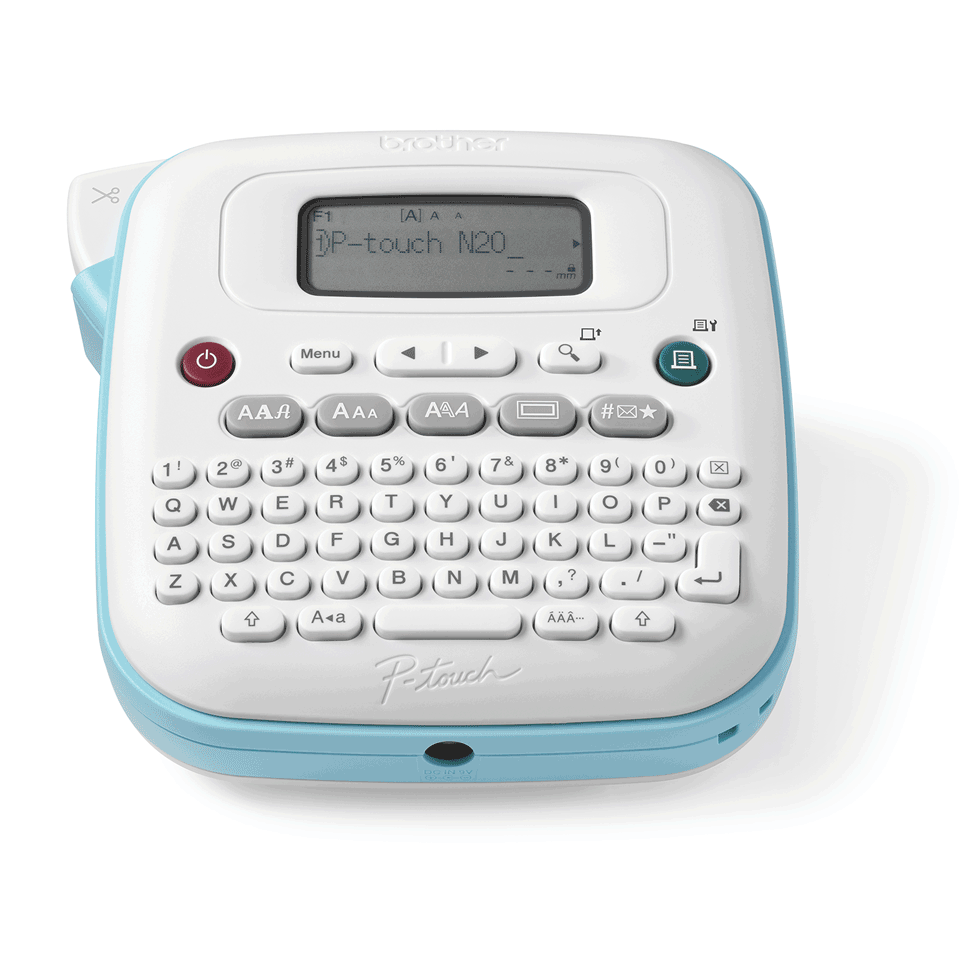
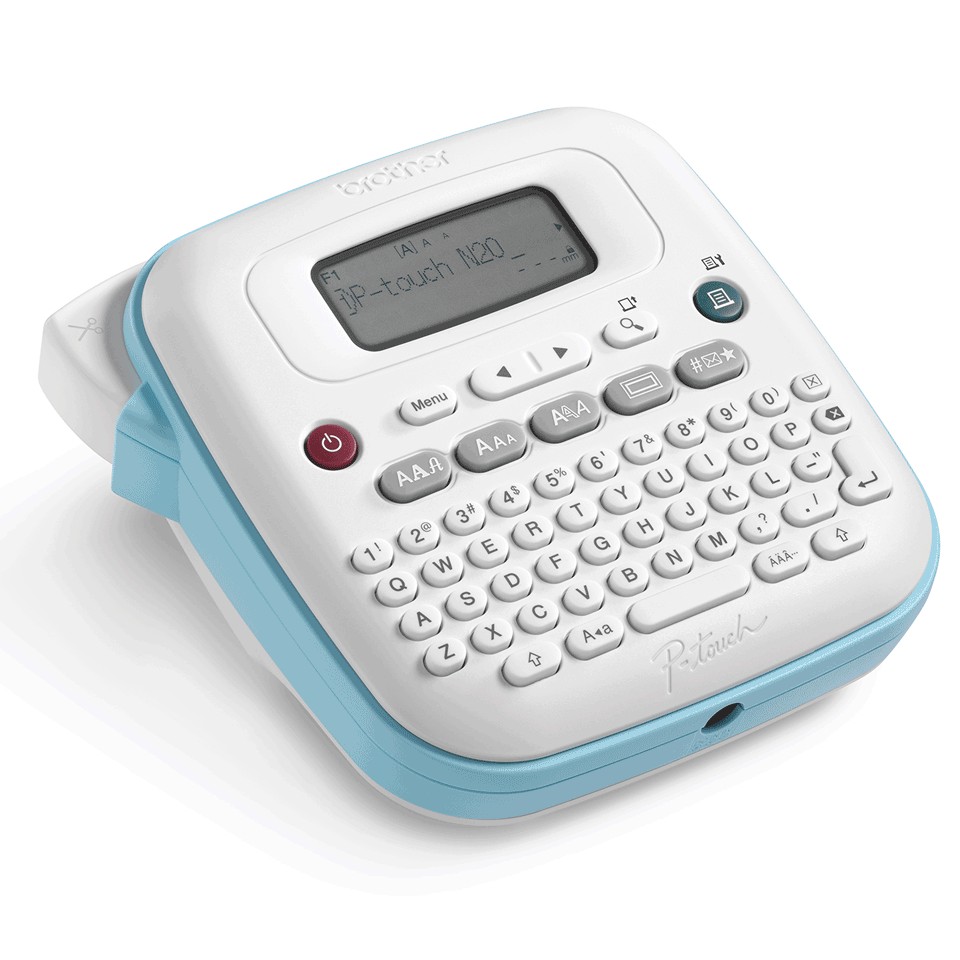
- Design labels using the built-in QWERTY keyboard.
- Integrated graphic LCD display with preview.
- Choose from 3 fonts, 15 frames and 250 symbols.
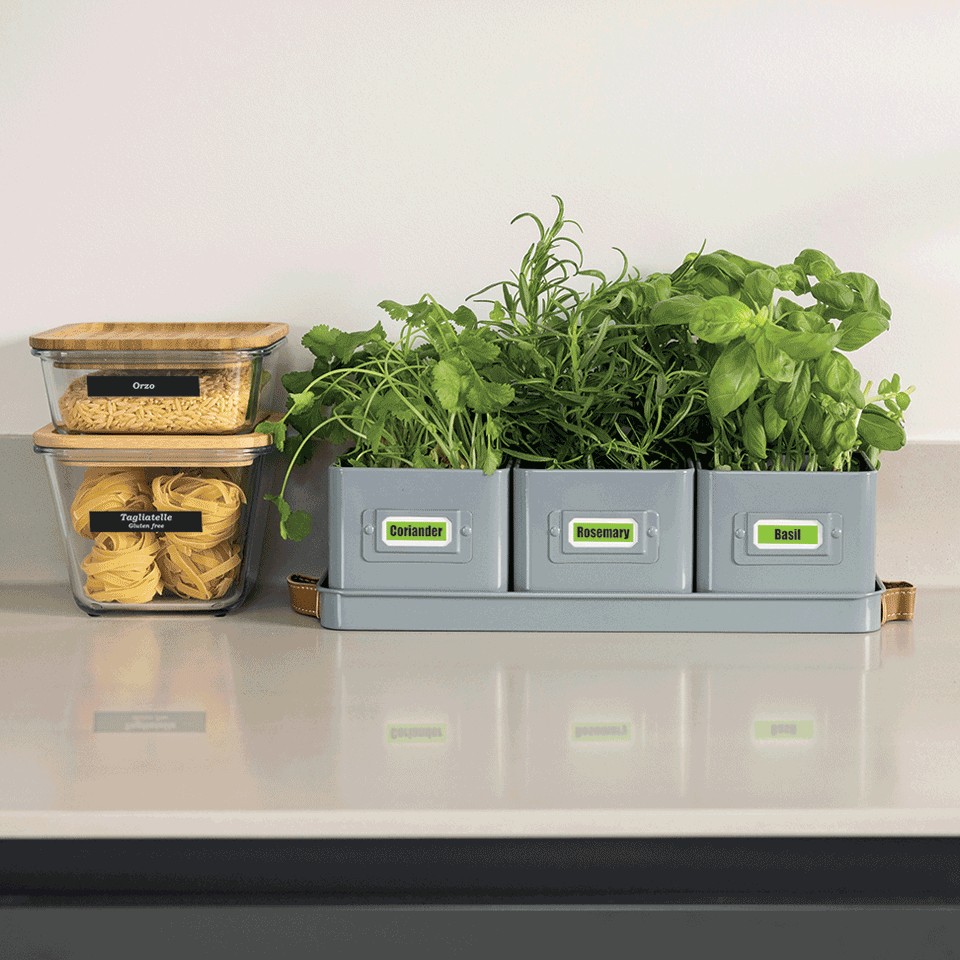
- Print 12mm Btag labels in a variety of colours.
- Easy-to-use manual cutter and cartridge loading to switch between colours quickly.
Specifications
| Manufacturer reference | PT-N20 |
|---|---|
| EAN code | 4977766836418 |
| Type | Label maker |
| Technology | Thermal transfer |
| Maximum print width | 1.2 cm |
| Maximum print height | 9 mm |
| Print speed | 12 mm/sec |
| Resolution | 180 x 180 DPI |
| Cutter | Manual |
| USB | No |
| Bluetooth | No |
| Wi-Fi | No |
| Ethernet | No |
| Power | AAA |
| Battery | Nickel-Metal Hydride (NiMH) |
| Power sources | AC, Battery |
| Display | LCD |
| Fonts | 3 |
| Dimensions (W x D x H) | 97.5 x 259 x 237 mm |
| Weight | 554 g |
| Origin | Philippines |
Consumables, maintenance parts and accessories




and 11 other compatible products
Use
Brother PT-N20 P-touch label maker for the office, workshop or home: TZe tapes up to 12 mm, laminated, resistant to water, UV, abrasion and extreme temperatures.
Use cases: folders and binders, cables and electrical panels, storage bins, archive boxes, indoor and outdoor signage, tool marking. Software: P-touch Editor (PC and Mac) for layout, Excel list import and barcodes; Brother mobile app for printing from a smartphone. Consumables (tapes, rolls) are listed above; the price per label depends mostly on the media chosen.
Good to know: the PT-N20 is driven from a computer or smartphone and cuts manually. For a built-in keyboard or an automatic cutter, see Brother label printers.
Frequently asked questions
Which consumables does the PT-N20 use?
The genuine Brother consumables listed above (BTAG-F35 / BTAGF35 non-laminated tape, BTAG-F31 / BTAGF31 non-laminated tape, BTAG-L33 / BTAGL33 non-laminated tape, BTAG-L31 / BTAGL31 non-laminated tape); maintenance parts are replaced when the device signals it.
Can the PT-N20 be connected to a network?
USB connection; see the specifications for details.
Where can I find drivers and the manual?
On our Brother support page: drivers, user guide, software and FAQ for the PT-N20, by country.