





On this page
Highlights
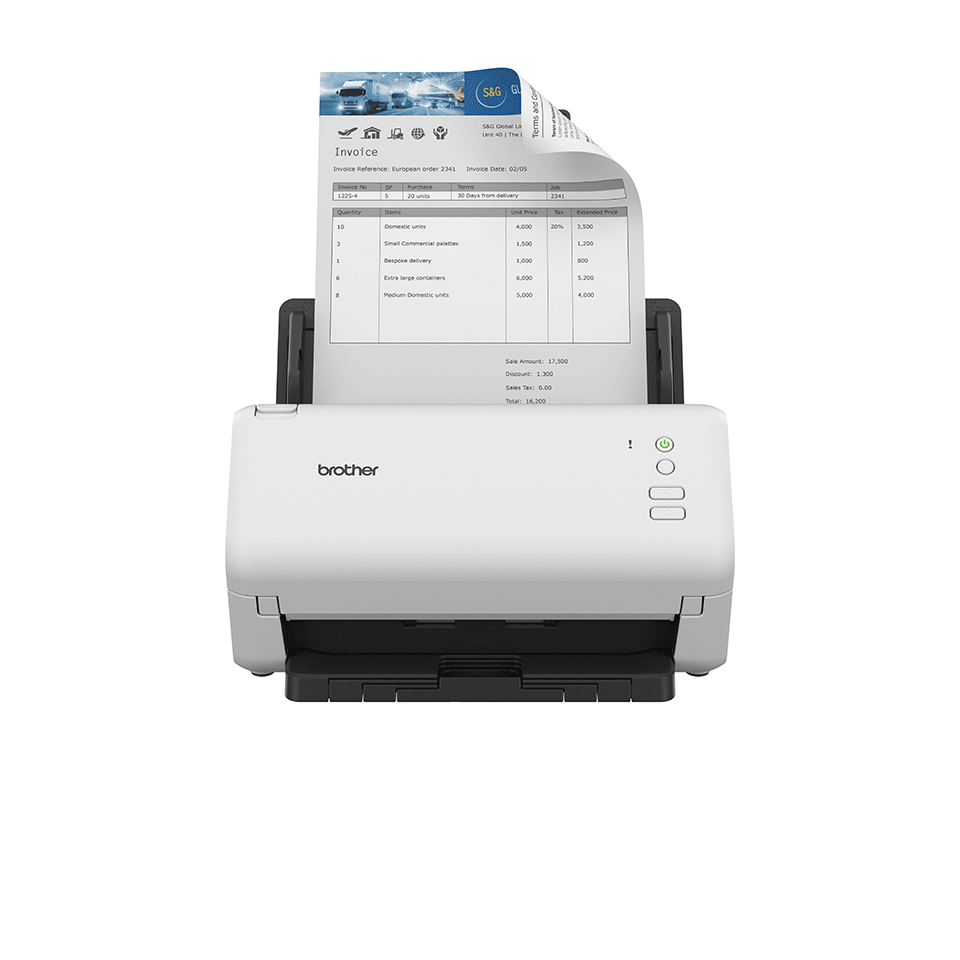
- Scan up to 35 pages per minute.
- 2-sided scan up to 35 pages per minute.
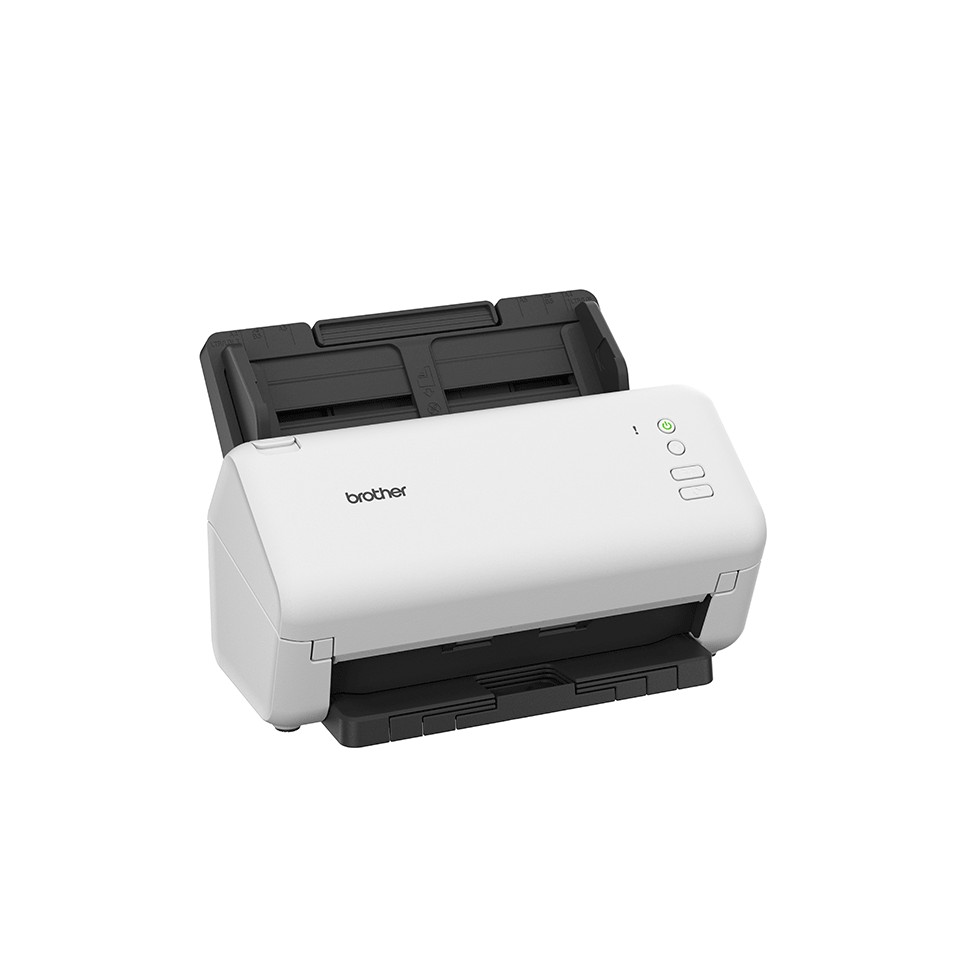
- 60 sheet Automatic Document Feeder (ADF).
- SuperSpeed USB3.
- Scan directly to USB host.
Specifications
| Manufacturer reference | ADS-4100 |
|---|---|
| EAN code | 4977766814492 |
| Type | Document scanner |
| Scanner type | ADF scanner |
| Optical resolution | 600 x 600 DPI |
| Enhanced resolution | 1200 x 1200 DPI |
| Simplex speed b/w | 35 ppm |
| Simplex speed color | 35 ppm |
| Duplex speed | 70 ipm |
| Duplex | Yes |
| Feeder | 60 sheets |
| Maximum scan size | 215.9 x 355.6 mm |
| Maximum length | 35.5 cm |
| Media types | Business Card, Plain paper, Plastic Card, Recycled paper, Thick paper, Thin paper |
| Paper weights | 40 - 200 g/m² |
| Card thickness (max) | 1.1 mm |
| Scan to | Image, PC, USB |
| Drivers | ICA, SANE, WIA |
| Sensor | Dual CIS |
| USB | Yes |
| USB version | 2.0 |
| Power consumption | 23 W |
| Noise level | 59 dB |
| Windows | Yes |
| Mac | Yes |
| Dimensions (W x D x H) | 243 x 320 x 391 mm |
| Weight | 3.02 k g |
| Origin | China |
Consumables, maintenance parts and accessories


Use
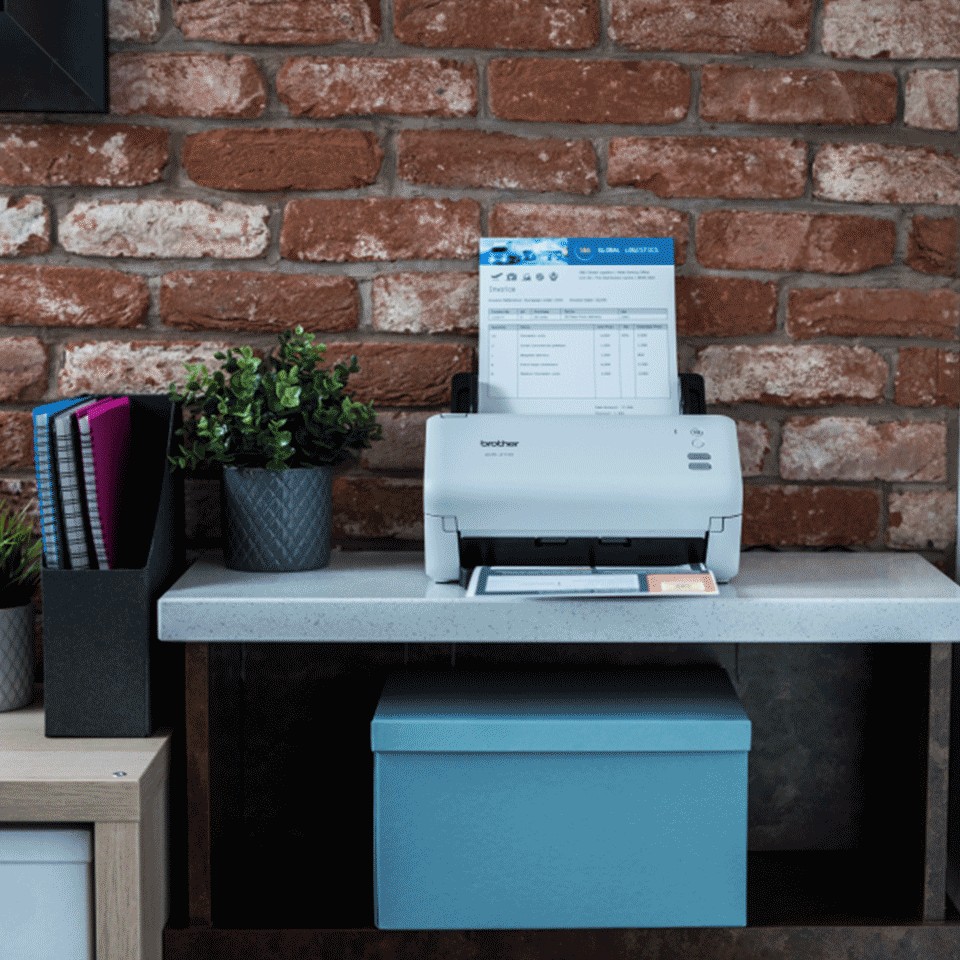
The Brother ADS-4100 document scanner is made for administrative departments, practices and agencies: 35 pages per minute, 60-sheet feeder.
Use cases: digitizing invoices and mail, customer or patient files, archiving, expense receipts, forms. Single-pass duplex handles mixed stacks without prior sorting. Plastic cards (ID, health, loyalty) accepted. Long documents up to 35.5 cm. Scans from the PC or Mac (TWAIN, WIA, ICA drivers) to searchable PDF, Word or image. The roller kits and separation pads listed above are replaced according to the page counter.
Good to know: the ADS-4100 connects by USB to a single workstation and handles loose sheets (no flatbed for books and bound documents). For network or a flatbed, see the ADS-4700W in the same series or Brother scanners.
Frequently asked questions
Which consumables does the ADS-4100 use?
See the list of compatible products above or the Brother manufacturer sheet.
Can the ADS-4100 be connected to a network?
Yes: USB.
Where can I find drivers and the manual?
On our Brother support page: drivers, user guide, software and FAQ for the ADS-4100, by country.