




On this page
Highlights
- Speed: 40 ppm.
- Connectivity: USB, Ethernet.
- Capacity: 80 sheets.
- Automatic duplex.
Specifications
| Manufacturer reference | ADS-4300N |
|---|---|
| EAN code | 4977766814638 |
| Type | Document scanner |
| Scanner type | ADF scanner |
| Optical resolution | 600 x 600 DPI |
| Enhanced resolution | 1200 x 1200 DPI |
| Simplex speed b/w | 40 ppm |
| Simplex speed color | 40 ppm |
| Duplex speed | 80 ipm |
| Duplex | Yes |
| Feeder | 80 sheets |
| Maximum length | 5 m |
| Media types | Business Card, Plain paper, Plastic Card, Recycled paper, Thick paper, Thin paper |
| Paper weights | 40 - 200 g/m² |
| Card thickness (max) | 1.1 mm |
| Daily volume | 6000 pages |
| Scan to | FTP, Image, PC, SMB, USB |
| File formats | JPEG, PDF, TIFF |
| Drivers | ICA, SANE, TWAIN, WIA |
| Sensor | Dual CIS |
| USB | Yes |
| USB version | 2.0/3.2 Gen 1 (3.1 Gen 1) |
| Ethernet | Yes |
| Power consumption | 24 W |
| Noise level | 59 dB |
| Windows | Yes |
| Mac | Yes |
| Dimensions (W x D x H) | 243 x 320 x 391 mm |
| Weight | 3.09 k g |
| Origin | China |
Consumables, maintenance parts and accessories


Use
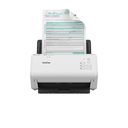
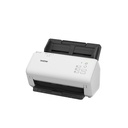
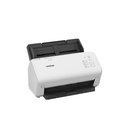
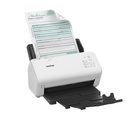
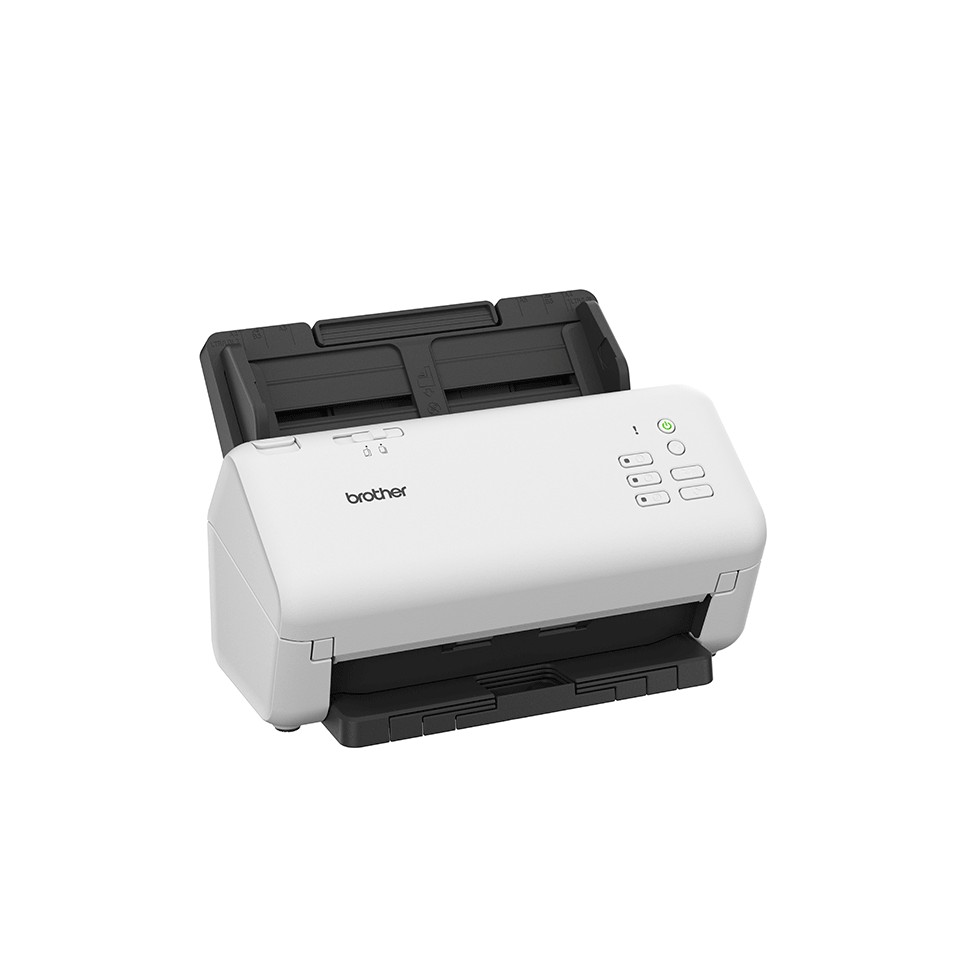
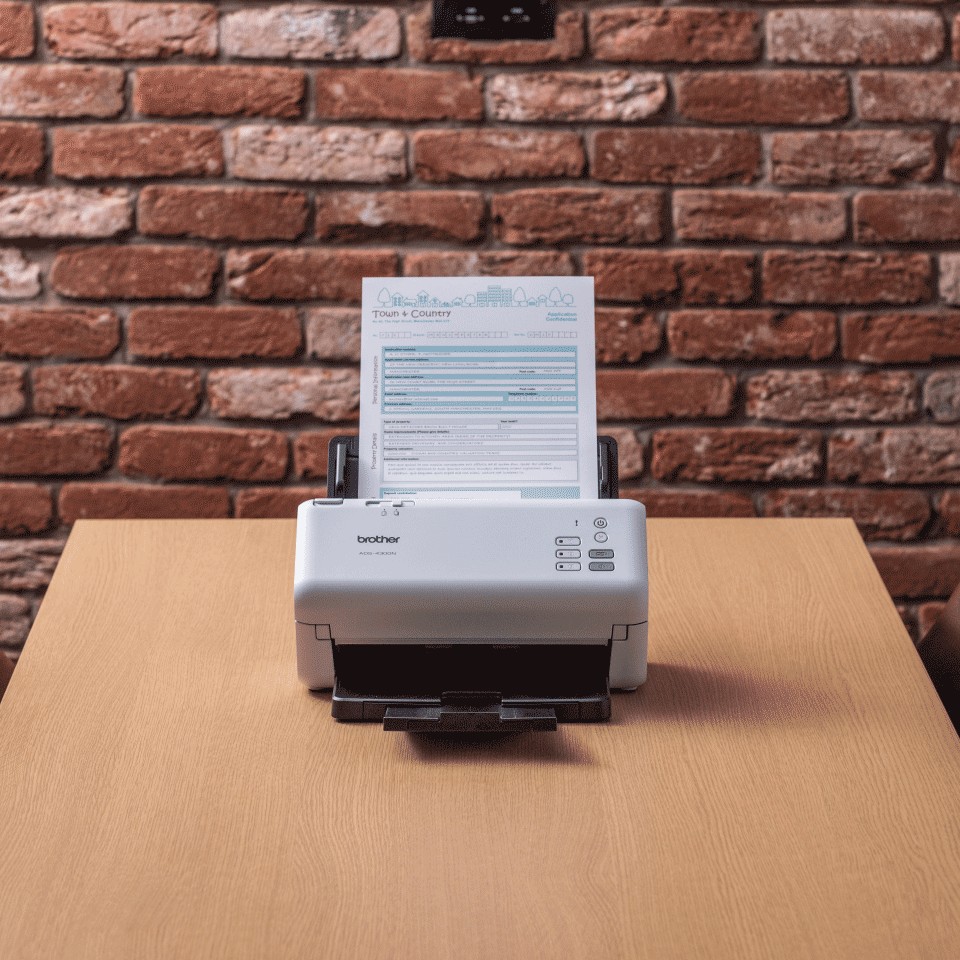
The Brother ADS-4300N document scanner is made for administrative departments, practices and agencies: 40 pages per minute, 80-sheet feeder, recommended volume 6,000 pages per day.
Use cases: digitizing invoices and mail, customer or patient files, archiving, expense receipts, forms. Single-pass duplex handles mixed stacks without prior sorting. Plastic cards (ID, health, loyalty) accepted. Long documents up to 5 m. Scans directly to email, network folder, USB, cloud or business software. The roller kits and separation pads listed above are replaced according to the page counter.
Good to know: the ADS-4300N handles loose sheets (no flatbed for books and bound documents). For a flatbed, see the ADS-4900W in the same series or Brother scanners.
Frequently asked questions
Which consumables does the ADS-4300N use?
See the list of compatible products above or the Brother manufacturer sheet.
Can the ADS-4300N be connected to a network?
Yes: USB, Ethernet.
Where can I find drivers and the manual?
On our Brother support page: drivers, user guide, software and FAQ for the ADS-4300N, by country.