




On this page
- Highlights
- Specifications
- Consumables, maintenance parts and accessories
- Usage
- Frequently asked questions
Highlights
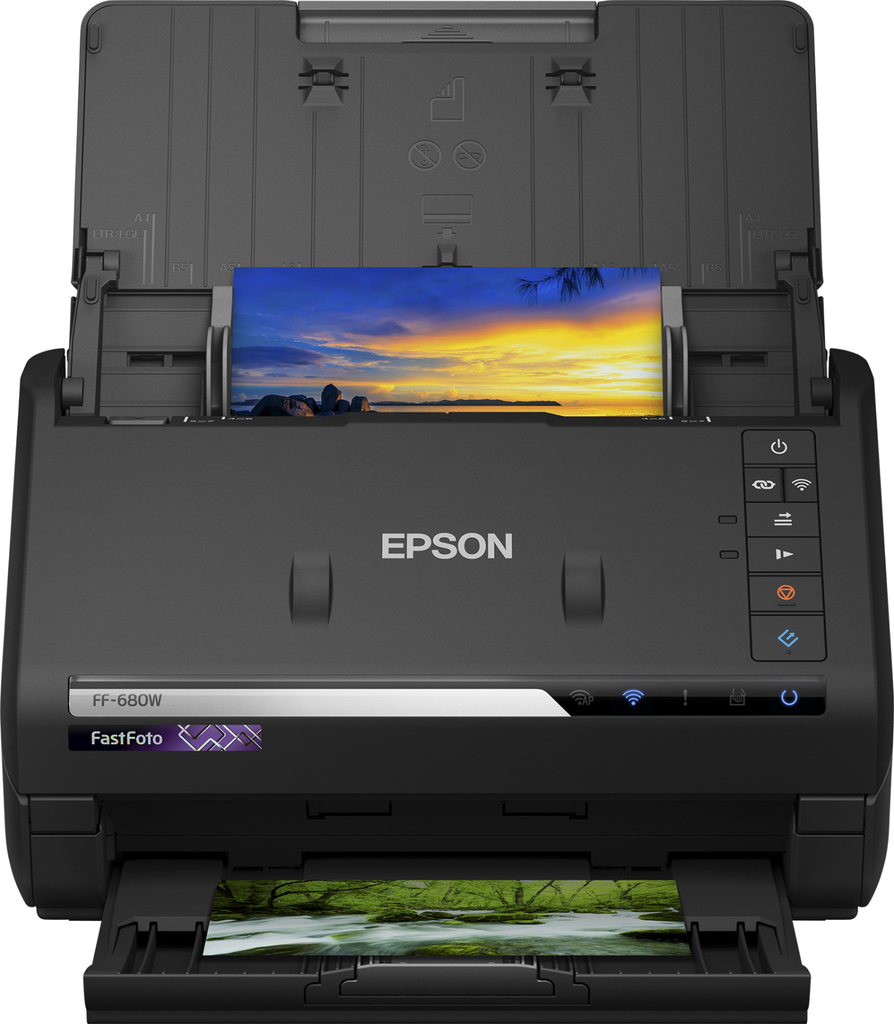
- Powerful Document Scanning - includes Epson ScanSmart Software with OCR; scan receipts, tax records, wills and more, up to 45 ppm/90 ipm
- Perfect Picture Imaging System - bring new life to old photos with auto enhancement, color restoration, red-eye reduction, de-skew, crop, rotate
- Easy Auto-Upload and Backup - instantly share your memories as you scan via Dropbox® and Google Drive™
- Single-Step Technology - capture both the image and any handwritten notes on the back in a single scan
- Numérise différentes formes et différents formats: Accepte les photos de 9 × 13 cm jusqu’a 21 × 91 cm
Specifications
| Manufacturer reference | FF-680W (B11B237401) |
|---|---|
| EAN code | 8715946654270 |
| Maximum scan size | 216 x 910 mm |
| Optical scanning resolution | 600 x 600 DPI |
| Colour scanning | Yes |
| Duplex scanning | Yes |
| Input colour depth | 30 bit |
| Output colour depth | 24 bit |
| Input greyscale depth | 10 bit |
| Output greyscale depth | 8 bit |
| Output monochrome depth | 1 bit |
| ADF scan speed (b/w, A4) | 45 ppm |
| ADF scan speed (colour, A4) | 45 ppm |
| Scanner type | Sheet-fed scanner |
| Product colour | Black |
| Built-in display | No |
| Sensor type | CIS |
| Light source | RGB LED |
| Image quality improvement | Grain reduction, Colour restoration |
| Scan to | E-mail, Network folder |
| Ultrasonic sensor | Yes |
| Standard input capacity | 100 sheets |
| Scanning media types supported | Photo paper |
| Maximum ISO A-series paper size | A4 |
| Manufacturer warranty | 12 months; CoverPlus extensions available |
Consumables, maintenance parts and accessories
The consumables and options of this model will be linked to this page when created.
Usage
The FF-680W is made for teams that scan documents regularly: duplex batches, to the workstation, network or email depending on the model.
The included drivers (TWAIN and others depending on the model) integrate with mainstream document management software; the included Epson software makes scan profiles easy.
Good to know: check the connectivity (USB, network or Wi-Fi depending on the model) in the table above; for higher volumes, see the other scanners in the Epson category.
Frequently asked questions
Which consumables does this model use?
The genuine Epson consumables referenced for this model are listed in the section above with their yield; the machine itself signals required replacements.
Does it print duplex and over the network?
The specifications table above details the duplex features and exact connectivity of this model (USB, Ethernet, Wi-Fi as applicable), as well as supported mobile printing.
Where can I find drivers and the manual?
On our Epson support page: Windows and macOS drivers, user guide and software for this model.