


On this page
- Why choose the genuine BUS-1J211148-203
- Die-cut or continuous, which format?
- Printers compatible with the BUS-1J211148-203
- Quantity and yield
- Installation
- Usage and advice
- Specifications
- Related products
- Frequently asked questions
Why choose the genuine BUS-1J211148-203
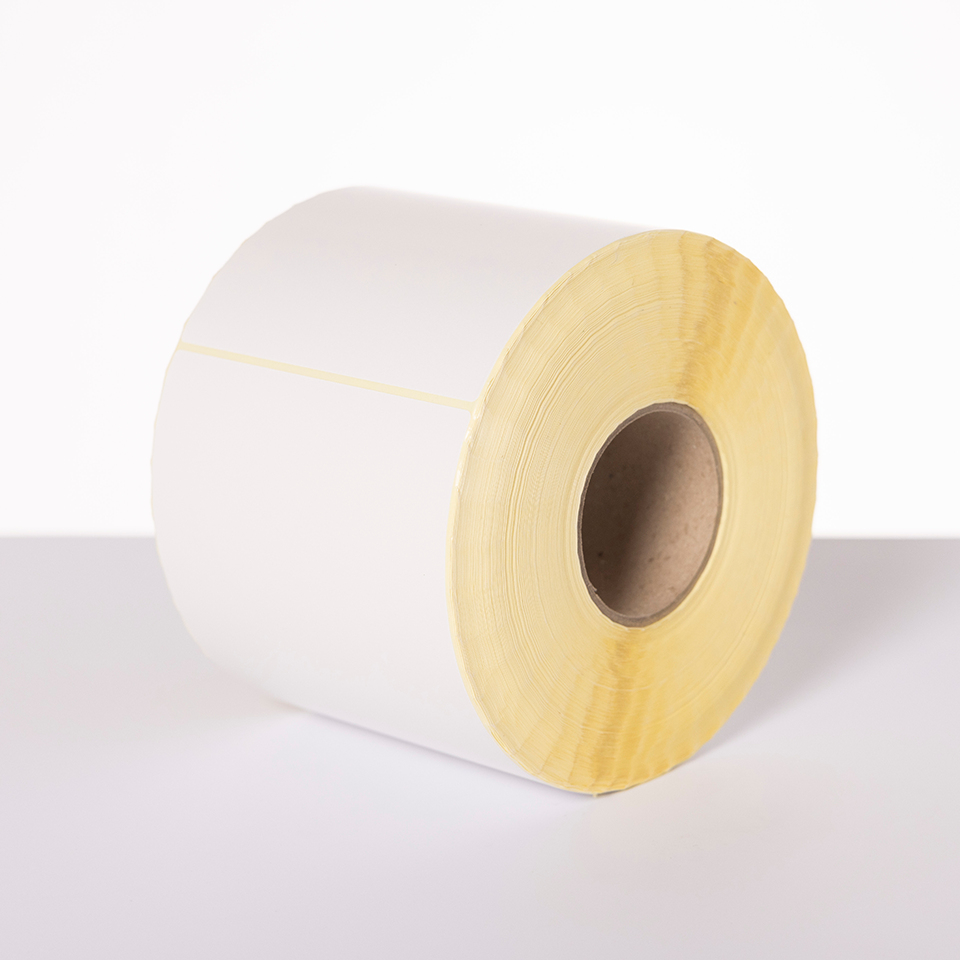
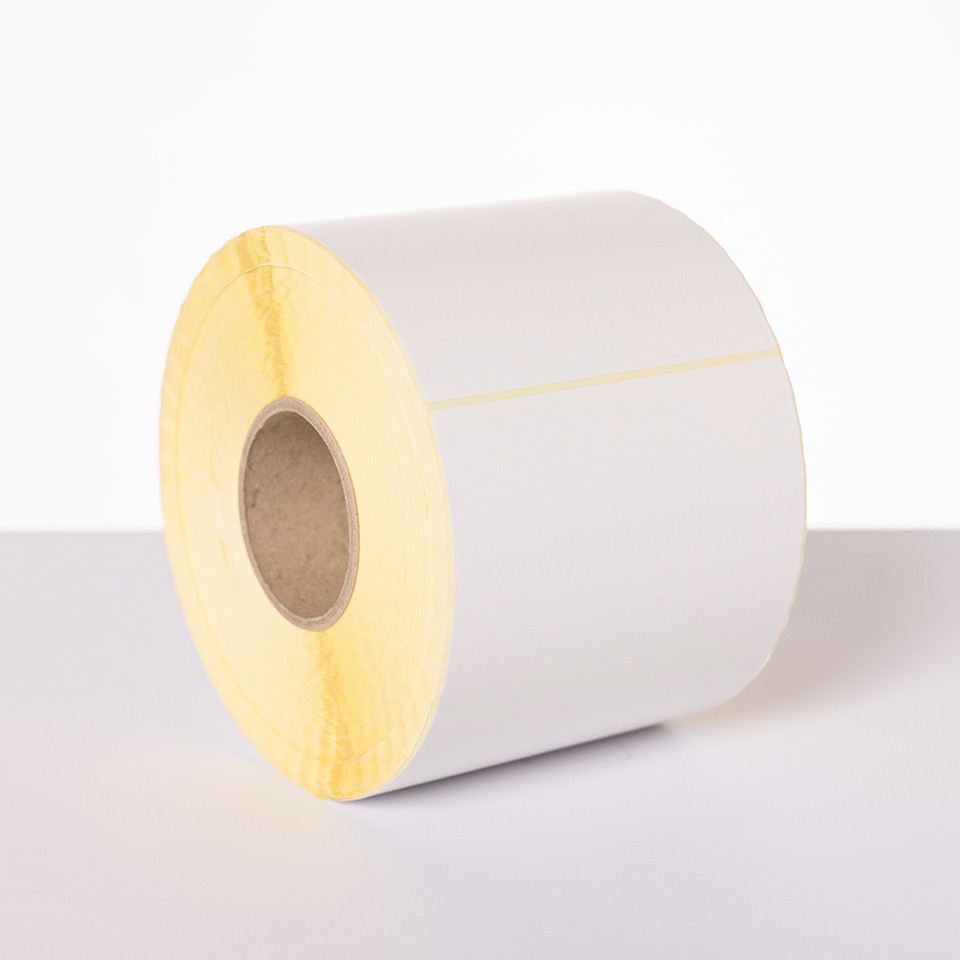
The BUS-1J211148-203 are genuine Brother die-cut labels on uncoated paper: each 148 x 211 mm label is cut on its liner, the printer detects the gap between labels and stops at the right place. Uncoated paper prints with a wax ribbon: the most economical combination for shipping and logistics. Permanent adhesive, rolls sized for the printer (core, diameter, winding direction): no jams or misalignment.
Die-cut or continuous, which format?
Die-cut labels have a fixed size recognized by the printer: fast printing and application, no setup. Continuous rolls are cut to length for long texts and rare formats. Other references in the range: BCS-1J074102-203 (102 x 74 mm, 2,900 per roll), BUS-1J074102-203 (102 x 74 mm, 2,940 per roll), BCS-1J150102-203 (102 x 150 mm, 1,440 per roll), BUS-1J150102-203 (102 x 150 mm, 1,500 per roll).
Printers compatible with the BUS-1J211148-203
The BUS-1J211148-203 are intended for 2 Brother models (manufacturer list):


Check the exact reference of your printer, suffix included; the roll width must stay within the range accepted by the device.
Quantity and yield
1,080 labels of 148 x 211 mm per roll, 2 rolls per box, 2,160 labels in total. The printer detects the gap between labels; there is no counter to watch, an empty roll is changed in seconds.
Installation
Place the roll on the spindles in the printer, print side up, feed the leading edge under the guides and close the cover; run the calibration (automatic detection on most models). Install the matching ink ribbon (wax for uncoated paper, wax-resin or resin for coated paper) and set the media type in the driver.
Usage and advice
The BUS-1J211148-203 is packed for TJ industrial printers: high-capacity rolls (1,080 labels) for shipping lines, docks and production, where roll changes must stay rare. Uncoated paper is enough for everyday barcodes and text at low cost.
Tips: keep the rolls in their packaging, away from dust, heat and moisture, and use them within two years. Match the ribbon to the paper finish and set the head temperature in the driver: a pale print points to a setting that is too low, smudges to a setting that is too high or a dirty head. Clean the head with isopropyl alcohol at every ribbon change.
Specifications
| Manufacturer part number | BUS-1J211148-203 (BUS1J211148203) |
|---|---|
| EAN code | 5014047601699 |
| Type | Genuine Brother die-cut labels (OEM) |
| Technology | Thermal transfer |
| Media | Uncoated paper, permanent adhesive |
| Size | 148 x 211 mm |
| Quantity per roll | 1,080 |
| Pack size | 2 rolls |
| Compatible devices | 2 Brother models |
Related products


Frequently asked questions
Are the BUS-1J211148-203 compatible with my Brother printer?
Yes if it is in the list above (TJ-6421TN to TJ-6521TN). If in doubt, compare the exact reference of your device.
Do I need ink or a ribbon?
Yes, a thermal transfer ink ribbon (see related ribbons); the paper does not darken on its own.
How long does the print stay legible?
Several years with a wax-resin or resin ribbon; a wax ribbon suits indoor use without rubbing.
How should I store the rolls?
In their packaging, away from light, heat and moisture; preferably used within two years.
Where can I find the safety data sheet (SDS) for the BUS-1J211148-203?
On our Brother support page: safety data sheet for the BUS-1J211148-203 in your language, manuals and FAQ for the compatible printers.