





On this page
Highlights
- Print up to 34 pages per minute.
- Ethernet and 5GHz WiFi.
- Print PC or mobile app.
- 250 Sheet paper input tray.
- Comes with 1,500 page yield toner, 5,000 page super high yield available.
Specifications
| Manufacturer reference | HL-L2865DW |
|---|---|
| EAN code | 4977766831093 |
| Type | Mono laser printer |
| Print speed black | 34 ppm |
| First page out | 8.5 s |
| Print resolution | 1200 x 1200 DPI |
| Automatic duplex | Yes |
| Maximum paper size | A4 |
| Paper sizes | A4, A5, A6 |
| Paper capacity | 250 sheets |
| Output capacity | 150 sheets |
| Paper weights | 60 - 230 g/m² |
| Recommended monthly volume | 0 - 2500 pages per month |
| USB | Yes |
| Ethernet | Yes |
| Wi-Fi | Yes |
| Wi-Fi standards | 802.11a, 802.11b, 802.11g, Wi-Fi 4 (802.11n) |
| Mobile printing | Apple AirPrint, Brother iPrint & Scan, Mopria Print Service |
| Printer languages | PCL 6 |
| Memory | 128 MB |
| Cartridges | 1 |
| Power consumption printing | 470 W |
| Noise level | 49 dB |
| Dimensions (W x D x H) | 360 x 360 x 183 mm |
| Weight | 7.1 k g |
| Origin | Vietnam |
Consumables, maintenance parts and accessories

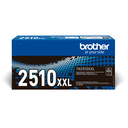
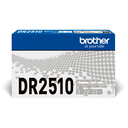
Use
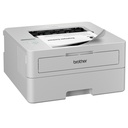
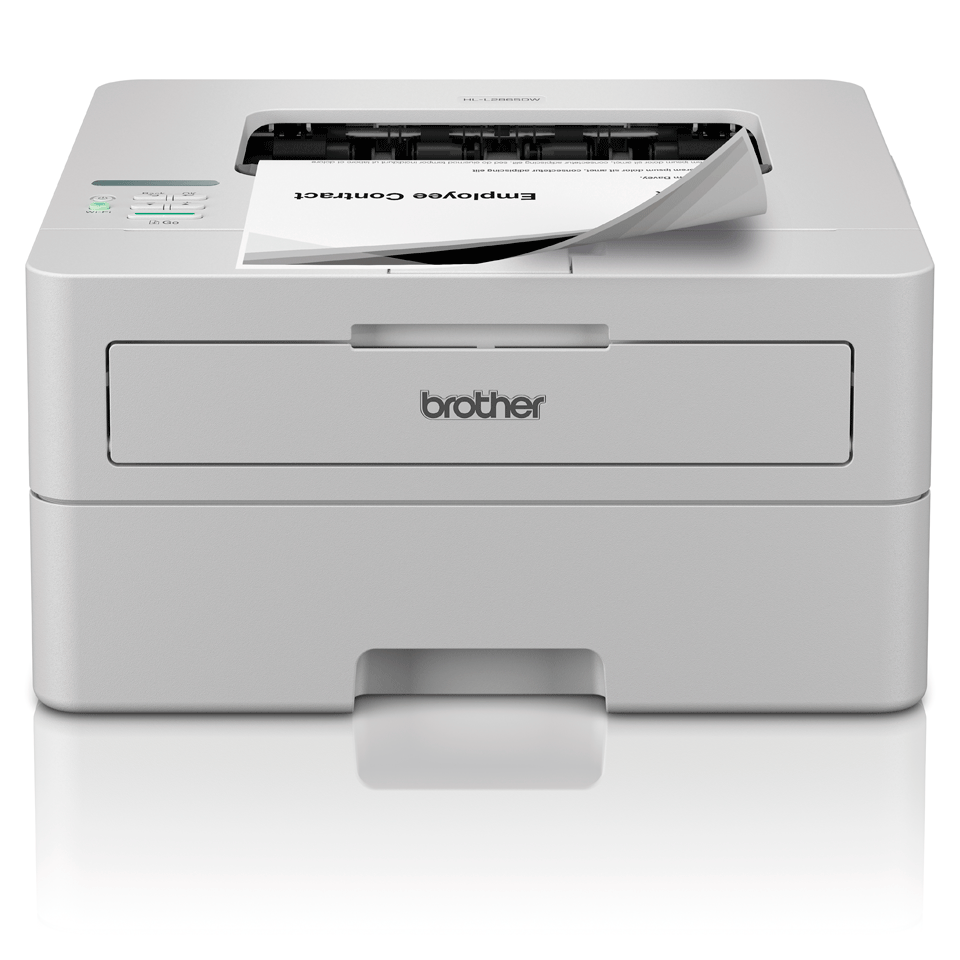
The Brother HL-L2865DW mono laser printer is designed for home use, home office or a single workstation: 34 ppm, 250-sheet tray.
Mono laser printing delivers sharp text at a low cost per page for letters, invoices and administrative documents. Automatic duplex halves paper use on reports and contracts. Wi-Fi and mobile printing (AirPrint, Mopria, Brother Mobile Connect): print from a smartphone or tablet with no driver.
Good to know: the HL-L2865DW prints in black and white. For color, see Brother printers and all-in-ones.
Frequently asked questions
Which consumables does the HL-L2865DW use?
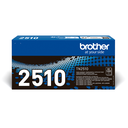
The genuine Brother consumables listed above (TN-2510XXL / TN2510XXL black toner XXL, TN-2510XL / TN2510XL black toner XL, TN-2510 / TN2510 black toner); maintenance parts are replaced when the device signals it.
Can the HL-L2865DW be connected to a network?
Yes: USB, Ethernet, Wi-Fi, Apple AirPrint, Brother iPrint & Scan, Mopria Print Service.
Where can I find drivers and the manual?
On our Brother support page: drivers, user guide, software and FAQ for the HL-L2865DW, by country.